Azure Local - Homelab - Part 1 - Intro
Intro
This is part of a series about my new 2026 homelab.
In this blog post I tell about the process behind choosing the hardware (note: I did not spend more than 1-2 hours researching before I found some used hardware to purchase). This is not a blog post about how to install on physical hardware using nested virtualization - I will cover that in part 2.
Reference from Microsoft Learn: Deploy a virtual Azure Local system
UPDATE 2026-05-09:
I have published an article about how I installed a new stack using the method without Active Directory; Local Identities with Azure KeyVault. Read about it here: part 4
Why
I have worked a lot on customer environments the past year, and also deploying Azure Local Jumpstart in Azure. In the company I work at, we also have hardware for Azure Local to play around with.
Still, I wanted to explore my options on getting my own homelab, with a very limited budget.
My goal was not to work so much with physical storage and networking - and since I could live without the hands-on for these particular areas (read some of my blog articles about networking and storage for Azure Local, it is important to know a lot about these areas), I could aim for a cheaper version of a homelab.
Requirements
CPU
I searched for requirements and found that the CPU I was going for, had to support these features in order for nested virtualization to work (that is a requirement to run Azure Local on Hyper-V and inside the virtual Azure Local nodes, run virtual workloads):
- Intel® Virtualization Technology (VT-x)
- Intel® Virtualization Technology for Directed I/O (VT-d)
- Intel® VT-x with Extended Page Tables (EPT)
Memory
I has to make sure there was a decent amount of memory in the physical hardware. Even powerful workstations with 64 GB memory would struggle to provide me with a working homelab, since each Azure Local node require a minimum of 32 GB memory, and the physical hypervisor would also need available memory.
Disk
Not the biggest of my concerns because I really did not have any performance requirements for physical storage, but a few TBs of storage is minimum for a working homelab.
What did I buy?
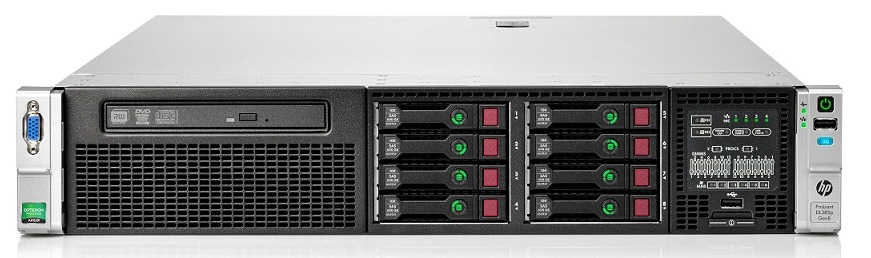
I ended up finding a good old used HPE DL380p Gen 8 server. It is a 2 unit rack mounted server. The configuration of the physical hardware came with:
- 2x Intel® Xeon® Processor E5-2660 processor
- 128 GB memory
- 2x 300 GB 10K SAS disks (configured in RAID1)
- 5x 600 GB 10K SAS disks (configured in RAID5)
- 1x 1GB LOM network adapter card (4 ports)
- 2x 700 Watt power supply
Total cost was 1.500,00 DKK (239 USD)
HINT: The gen8 does not support secure boot, so the operating system what is going to be installed on the physical server, needs to support legacy boot mode (also good to know when creating USB bootable media with installer on)
Did it work?
So far I have installed Windows Server 2022 Standard on the physical server.
Then I created 2 virtual machines with 8 vCPU, 40 GB RAM and 1x OS disk (128 GB) and 2x data disks (256 GB each). I added 4 network adapters to each virtual machine (1x compute, 1x management and 2x storage)
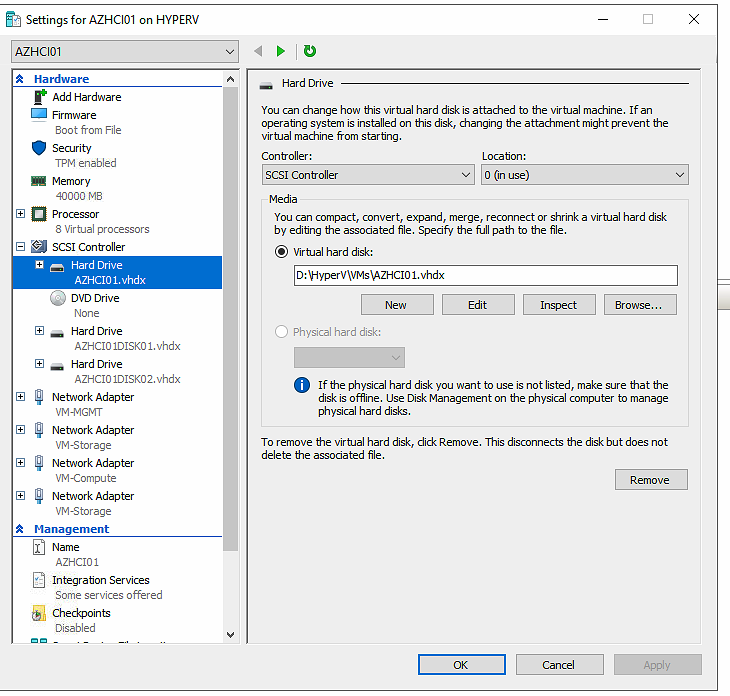
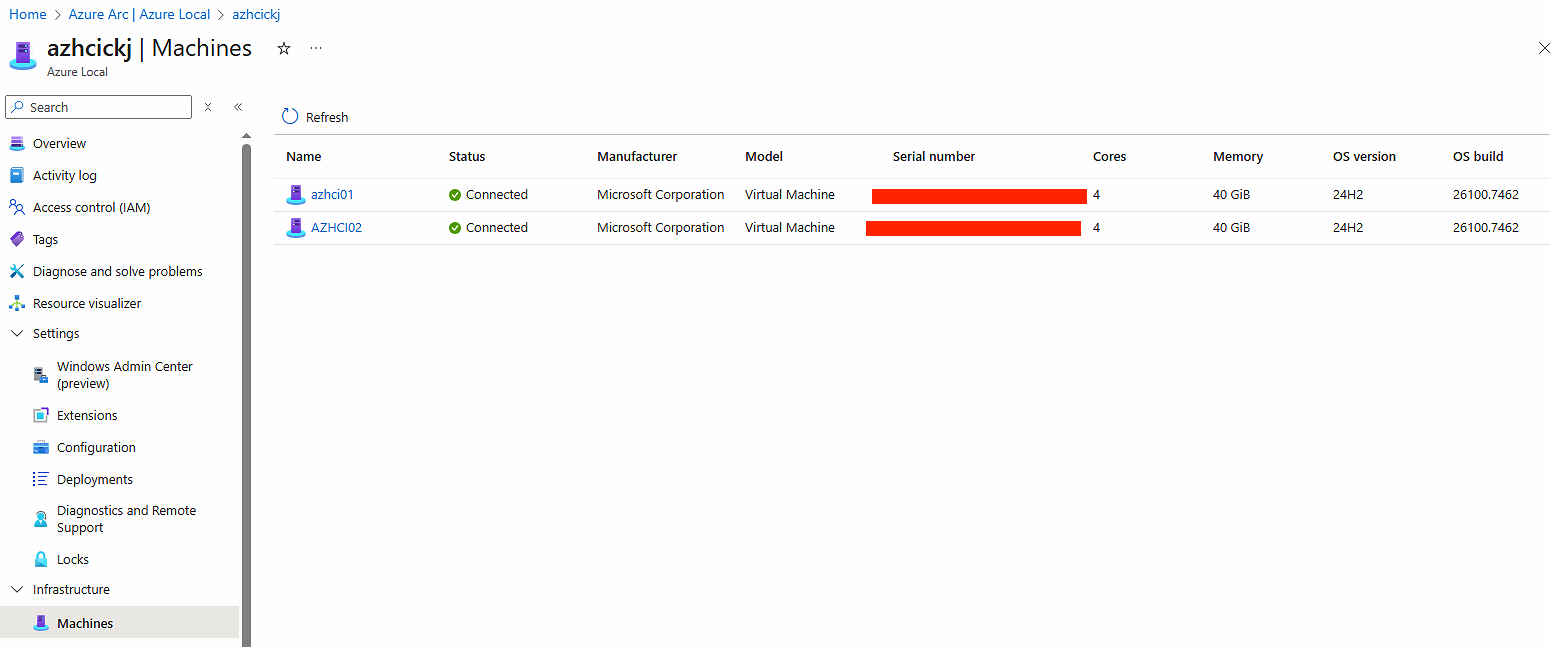
I was able to install Azure Local on them and I have tested and I could also deploy a virtual machine from the portal (after added marketplace image and added logical network).
I had chosen to install version 12.2509 because I wanted to see if patching was working well. So far patching to 12.2510 and later to 12.2512 ran without any issue. at the time of this blog post, I’m testing patching to the all new 12.2601, now with a deployed virtual machine (should not be any issue, the MOC is already running on the cluster, that is also a virtual machine deployed by the stack).
Have feedback on this post?
Send me a message and I'll get back to you.