Azure Local - Insights and Logging - Part 1
Intro
This article is part of a series: Navigate to series page
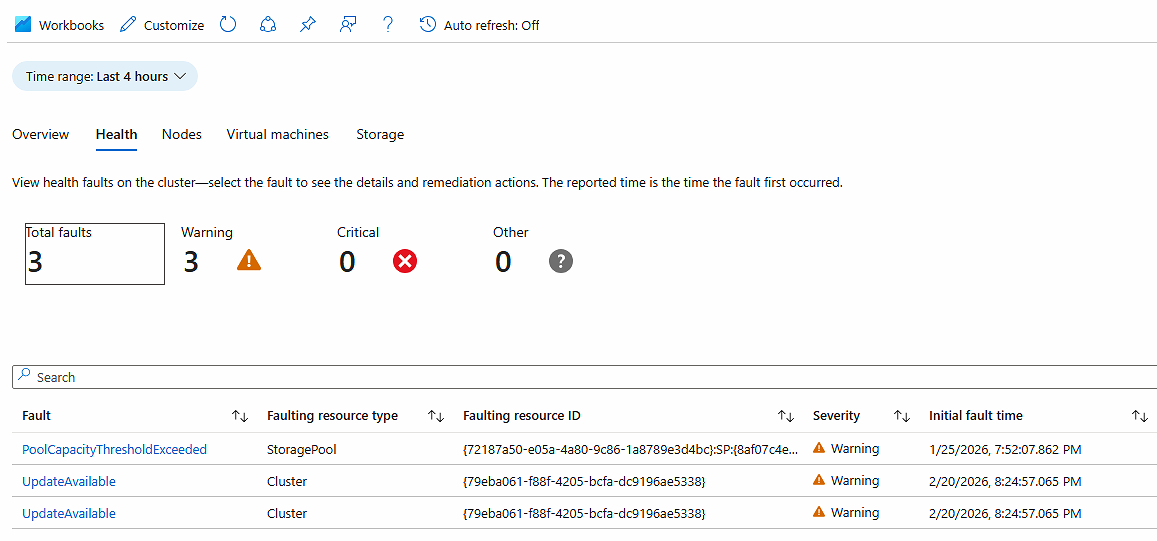
Monitoring your Azure Local health and performance is crucial to detect and fix issues before they become reason for outages. In this article, I will show how easy it is to configure Insights based on log collection. We want to use these logs for Insights but also for alerting. In the next article I will be writing about log based alerting in Azure Local.
Configure Insights
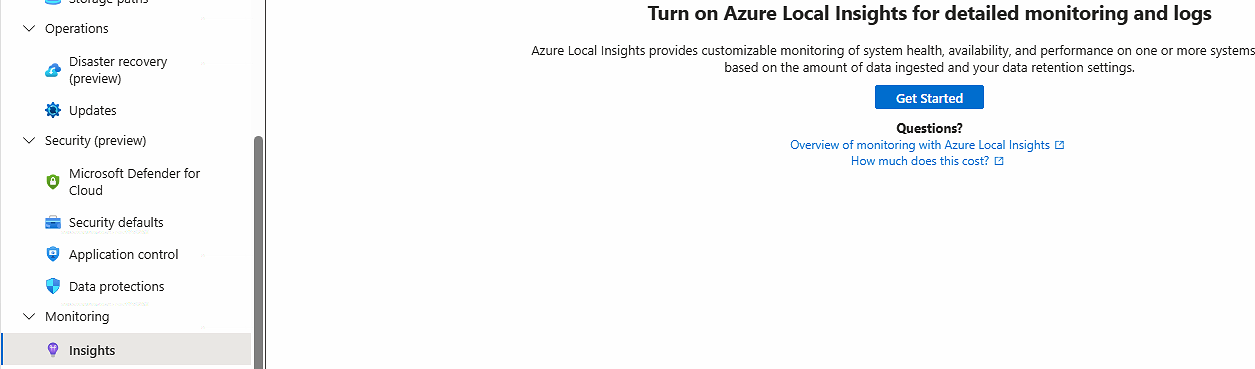
To configure Azure Local Insights for your stack, here is how to do it from the portal:
-
Navigate to your Azure Local instance, when Monitoring > Insights
-
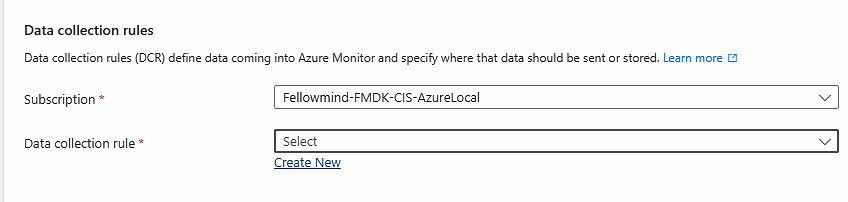
Chose to create a new data collection rule
-
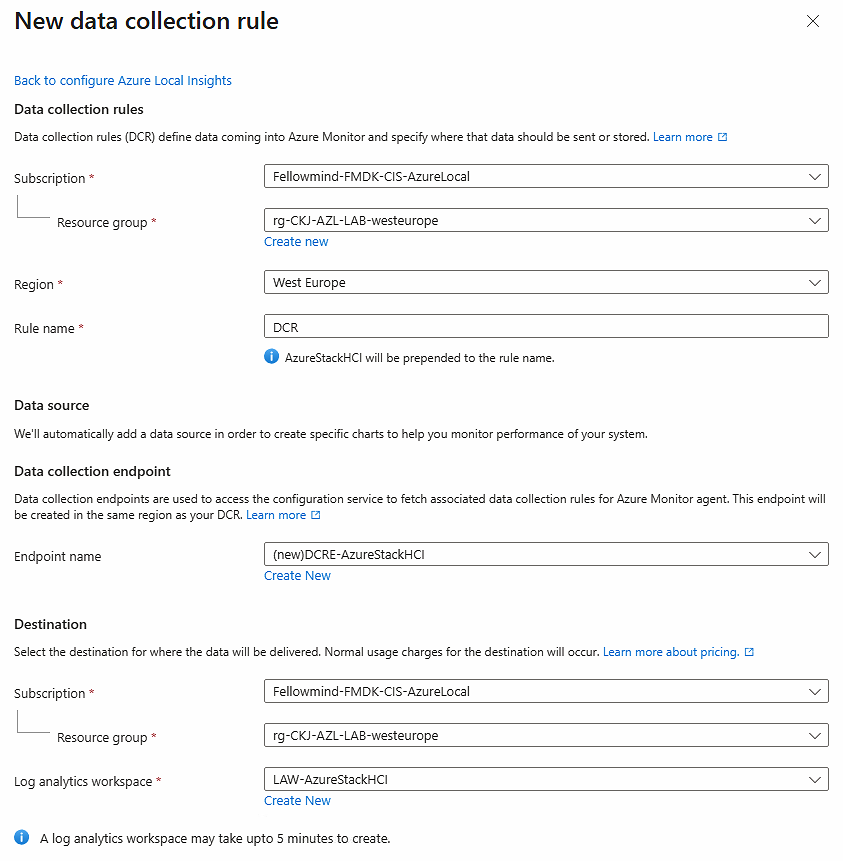
Fill out the creation form. You also need to let the wizard create a new data collection endpoint and log analytics workspace unless you have existing resources in a central management subscription, then you should use those existing resources
-
After creation, Azure Monitor Agent will be deployed to all nodes in the stack

-
Note the resources that got created: Log Analytics Workspace, Data Collection Endpoint and Data Collection Rule

-
Note that the following categories got created inside the Data Collection Rule

-
And note that your nodes are seen as resources. Ensure that they are connected to the data collection endpoint, or perform the association
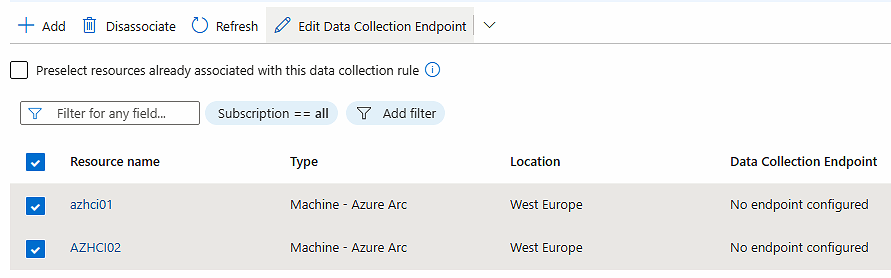
-
Take note that the Data Collection Endpoint supports private link Scopes (AMPLS). This is great if your nodes are not able to talk to Azure public endpoints because of firewall restrictions. You can configure your Date Collection Endpoint to communicate via AMPLS and ensure your Azure Local nodes can use Azure Private DNS resolution.
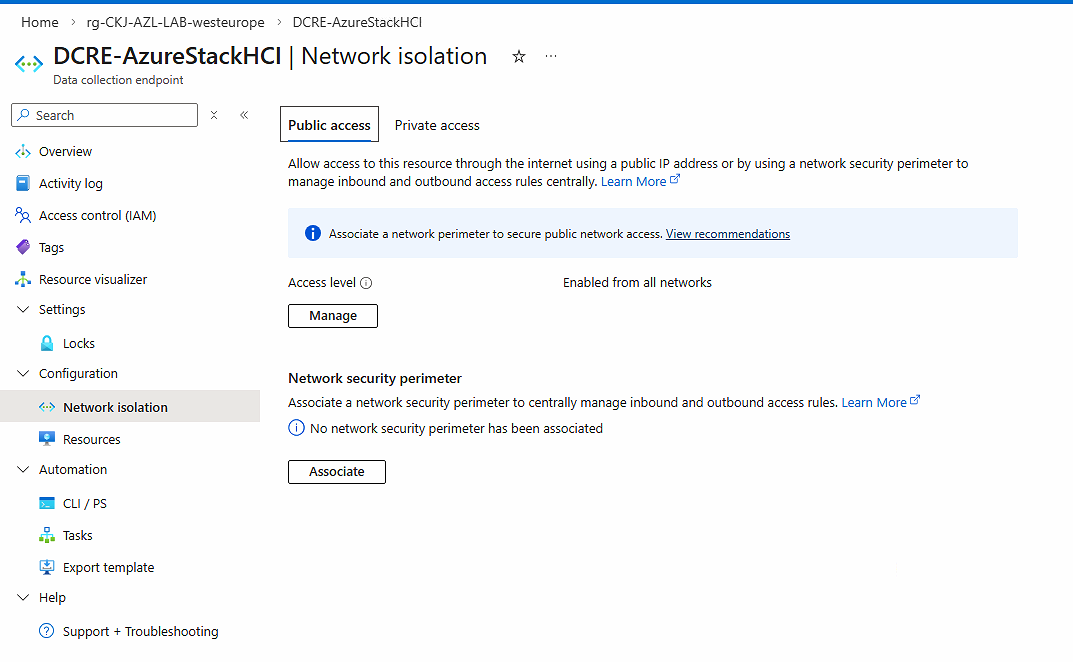
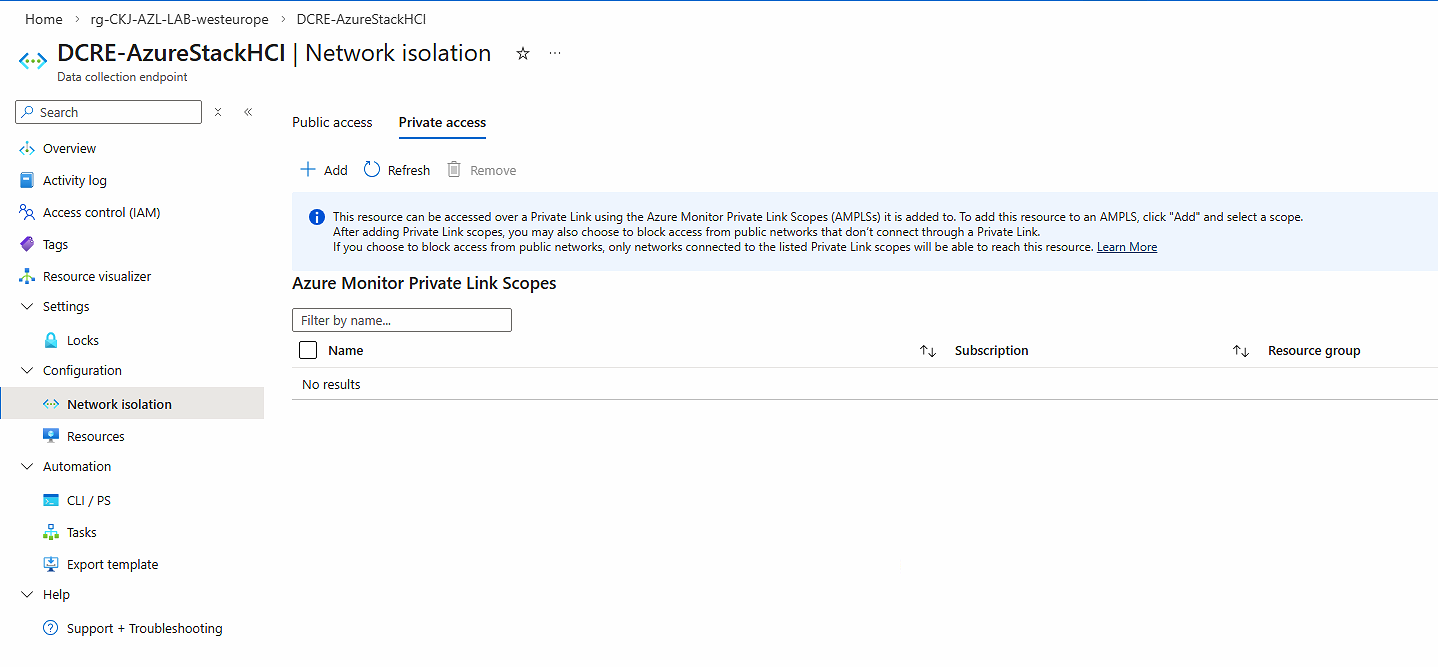
-
Now you are ready to use Insights. You can enable available features also. And see data about your Azure Local stack
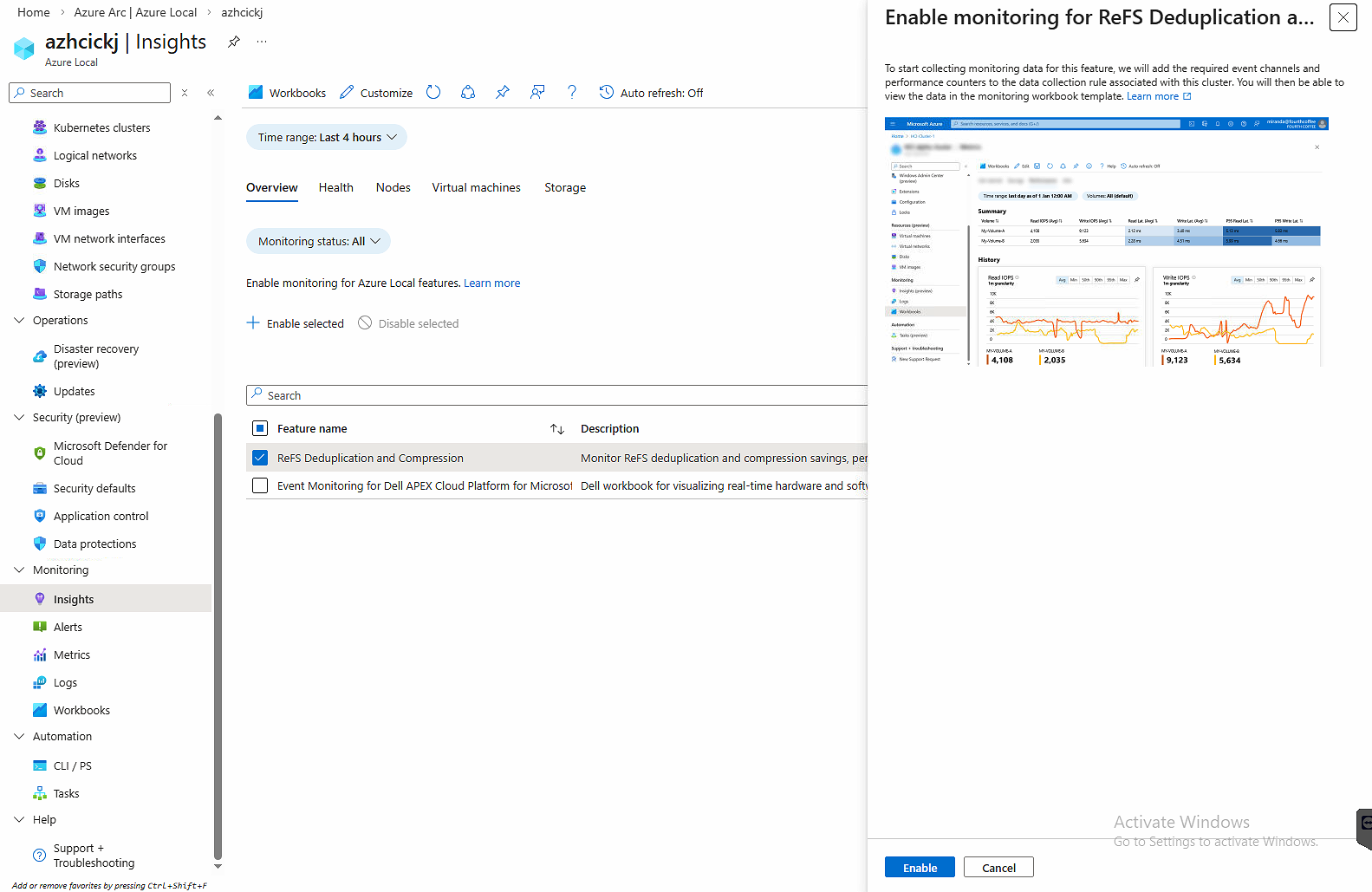
-
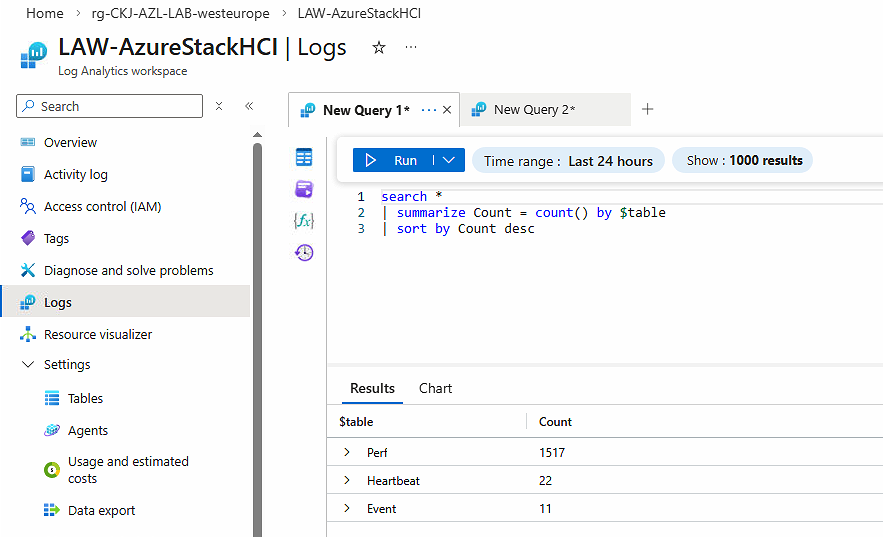
If you would like to know what tables in the Log Analytics Workspace that Azure Local nodes sends logs to, here is a quick KQL query that tells us that we are seeing logs in Perf, Heartbeat and Event tables
Deploy using automation
As always, you could deploy this to your stacks using automation. You can grab the deployed resources ARM/Bicep templates. Just remember to also ensure Azure Monitor Agent gets deployed to nodes and that they are joined to Data Collection Rules / Endpoints. You can do that with Azure Policy and PowerShell script. If I decide to do this deployment via code, I will share in this article series.
Outro
With Insights configured by enabling log collection for the Azure Local stack, we are now ready to also use data for alert rules. In my next article I will be sharing details about how to create alerts using logging data.
Have feedback on this post?
Send me a message and I'll get back to you.