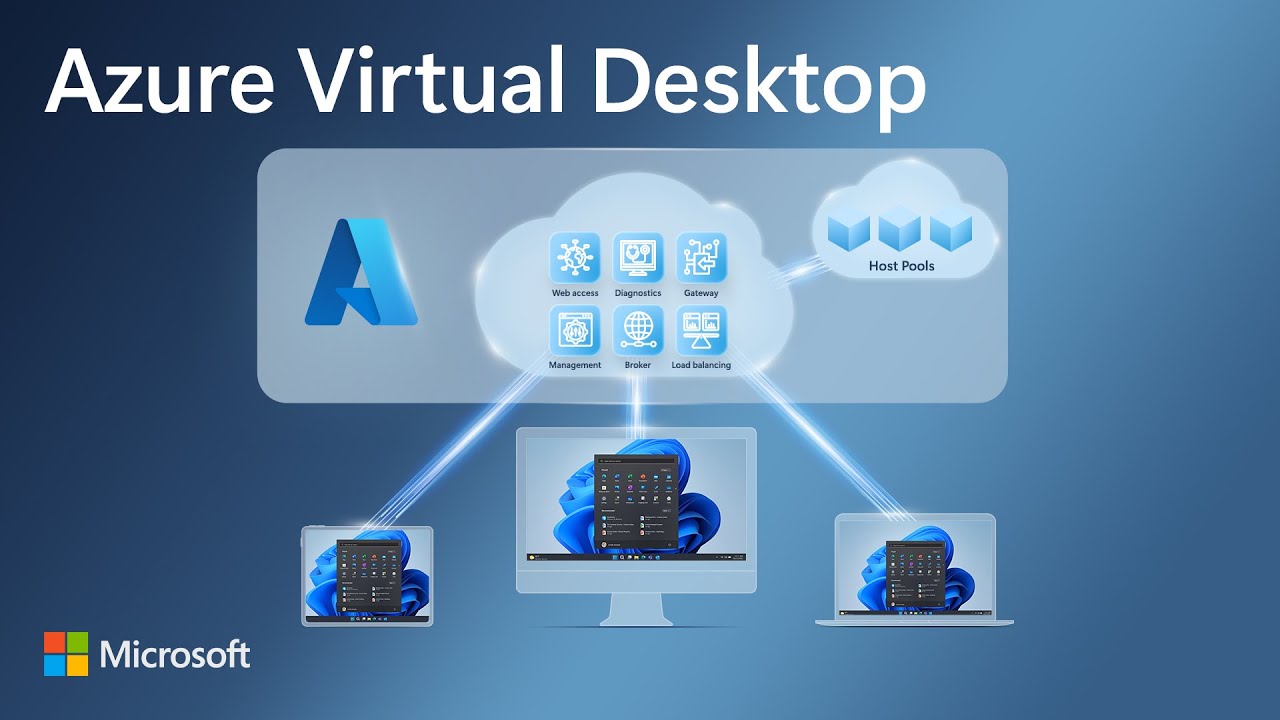
Azure Virtual Desktop - Entra ID joined session host - Microsoft Edge SSO issue
Background
I have seen Entra ID joined session hosts (pooled) with FSLogix on a storage account in Azure (using the older hack with machine access to the storage account or using the newer Entra Kerberos method), struggling with allowing users to have Microsoft Edge auto-signin to profile and on Microsoft web pages like SharePoint Online.
Users were signed in to the desktop version of Office with no issue, and after logoff and login, they stayed logged in to Office desktop, but would require to sign in to Microsoft web pages and profile management again. We also verified that no Entra Conditional Access Policy was preventing them from have a persistent browser session and not been enforced rapid re-authentications.
We found indications on a Microsoft Learn questions post with answers, that using a certain registry change would overcome this issue. We have tested and confirmed the fix.
HINT
The referenced Microsoft Learn post also contains other valid information useful then setting up Microsoft Entra Kerberos together with FSLogix and Entra joined session hosts
How to apply
You should already have a method of setting up your session hosts with custom image builder, golden image or other options.
Include these commands in that setup:
# Ensure Credential Manager keys are taken from the currently loading profile (FSLogix roaming)
New-Item -Path "HKLM:\SOFTWARE\Policies\Microsoft" -Name "AzureADAccount" -Force | Out-Null
New-ItemProperty -Path "HKLM:\SOFTWARE\Policies\Microsoft\AzureADAccount" `
  -Name "LoadCredKeyFromProfile" -PropertyType DWord -Value 1 -Force | Out-Null
Validate that they are present on session hosts after deployment.
Have feedback on this post?
Send me a message and I'll get back to you.