Azure Local Alerts as Code - deploying tiered Azure Monitor alerts with Azure DevOps
Intro
This article is part of a series: Navigate to series page
I recently wrote a Managed Service description for Azure Local, splitting monitoring and alerting into three tiers - Basic, Advanced, and Premium. Once the tiers were defined on paper, I needed a way to actually deploy the alert rules behind them, consistently, for every customer cluster, without hand-crafting alerts in the portal every time.
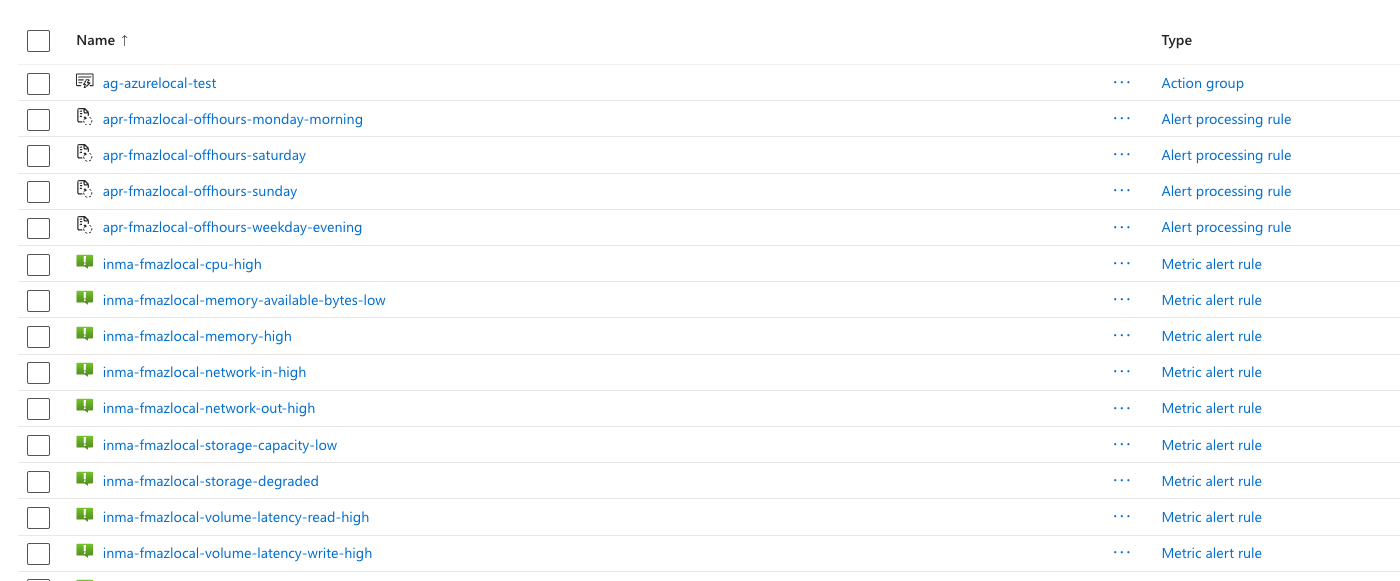
That turned into a new open-source project: azureLocalAlertsPipelineDeploy. It deploys the Action Group and metric/log alert rules via Bicep, as an Azure Deployment Stack with deny-delete protection, and an Azure DevOps pipeline validates and deploys every onboarded customer/cluster automatically on every run.
Where to find everything
Rather than duplicate it here, all the details live in the repo itself and are kept up to date there:
- README - what’s in the repo, prerequisites, and quick-start commands for a local test deployment or onboarding a new customer via the pipeline.
- docs/service-tiers-and-alerts.md - the full Basic/Advanced/Premium alert matrix, the KQL queries behind the log alerts, and the exploration commands used to build them.
- pipeline/azure-pipelines.yml - the Azure DevOps pipeline itself (Azure DevOps YAML only - it won’t run as a GitHub Actions workflow).
If you’re building out your own Azure Local monitoring/alerting and want a starting point that already separates what’s possible with metrics alone from what needs Log Analytics enabled (see Azure Local - Insights and Logging - Part 1), feel free to fork it.
Have feedback on this post?
Send me a message and I'll get back to you.